
In this topic: Browse all Getting Started articles
AI Music TutorialsSuno Replace Section: Fix the Chorus, Keep the Song
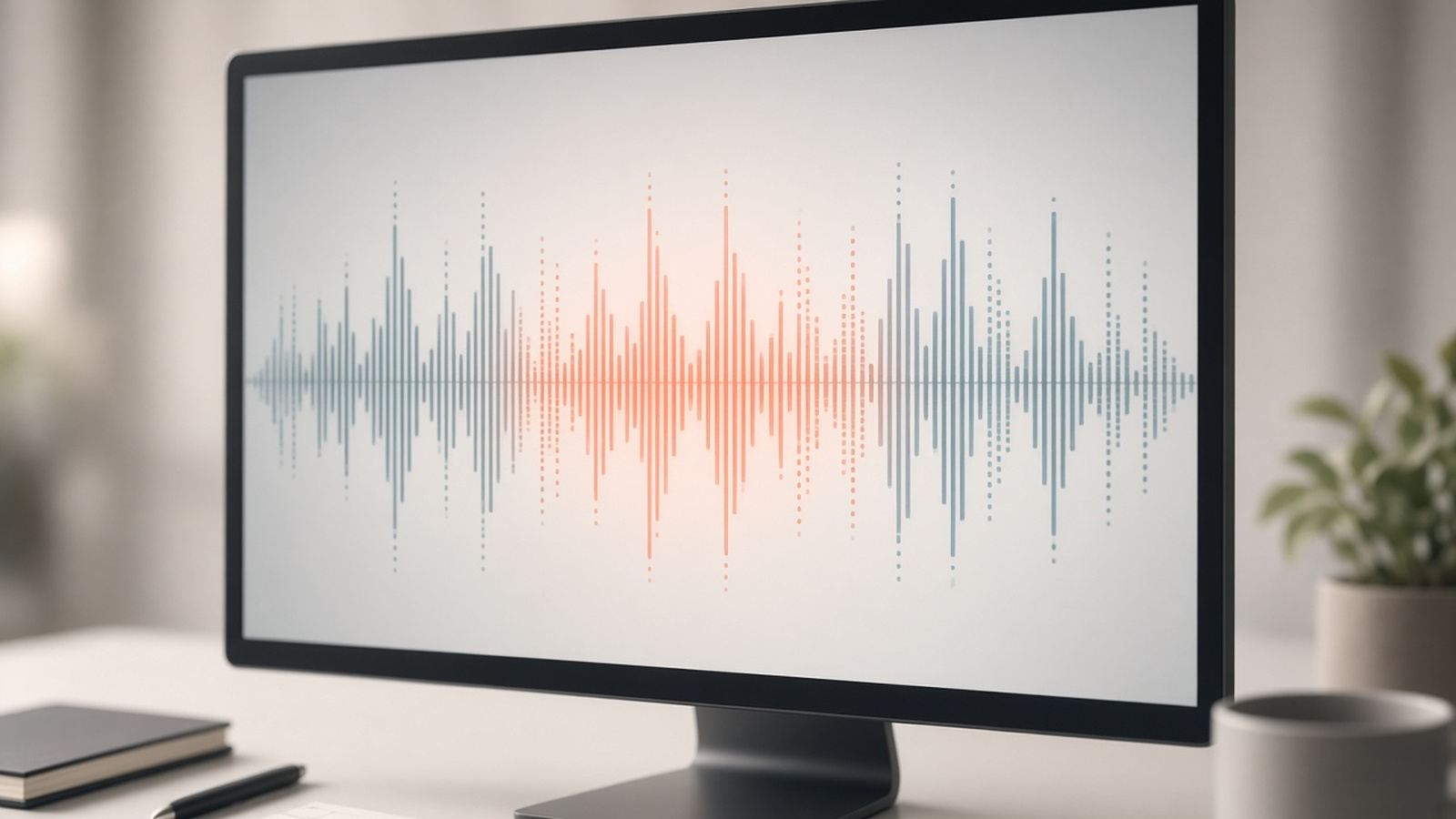
Suno Replace Section is for the track that is already mostly right—except the chorus, the bridge, or one lyric line. In Suno AI, you highlight that region, steer the lyric or the feel, audition two candidates, then fold the winner back into a whole song. You do not burn another full roll of credits and luck for a single miss.
This guide follows a scene-music workflow: entry steps, how it differs from Crop / Mashup / Sample / full regen, and how short-form and shop BGM save download quota. Labels and access follow Suno’s Can I replace a section of a song?. For the v6 model lineup, see the Suno v6 models guide. suno.skin is an independent explainer, not Suno, Inc.
Split Replace Section from Crop first
Suno’s help copy is plain: Crop trims the start or end; Replace Section reworks a middle passage, swaps lyrics, or inserts an instrumental break. Neither is a DJ hard-cut. One subtracts length; the other regenerates inside a selection.
- Replace Section: Pro / Premier. Select the weak region, edit lyrics or feel, then Recreate Section
- Crop: cut dead air at the edges; it will not “sing the chorus correctly”
- Mashup / Sample: material comes from another song or a seed clip—you get a new track, not a surgical fix
- Full regen: worth it when structure, style, and vocal identity are still unsettled; at finish, prefer a local replace
Steps: open Edit from Create or Library
Current help center flow: open the song in Create or Library, use the triple-dot More Actions menu → Edit, then find Replace Section. Labels may shift; the logic does not—target the weak region, state one goal, audition, then rebuild.
- Open the song that is already mostly right—do not treat a sketch as a finish pass
- More Actions → Edit → Replace Section to enter the edit view
- Drag across the waveform; matching lyrics highlight and fill the Lyrics box
- Lyric fix: rewrite those lines; keep syllable length close so phrasing still fits
- Feel fix: leave lyrics, add a short steer (“gospel choir on the chorus”, “drier drums”)
- Click Recreate Section (where Create usually sits), confirm, and wait for two takes
- Audition the seams, pick one; Suno builds a Whole Song with the update (often tagged Section / Full Song)
- If the join is muddy, nudge the boundary before you widen the selection into half the song
Older release notes often mentioned roughly 10–30 second selections; the current help article does not hard-code a length. In practice, select a full phrase—not a single syllable. Use flagship v6 for finish work; v6-mini is fine for exploration, but Replace Section itself is a paid edit tool. Plan upgrades via Free vs Pro.
Chorus lyric fixes: one problem per pass
Local replaces fail most often when one selection tries to rewrite lyrics, arrangement, and pitch at once. Keep a single primary problem inside the box; queue the rest for the next pass.
- Wrong word / pitch: change that line only; do not rewrite the whole style block
- Weak chorus: steer “louder, tighter, stacked vocals”—do not rewrite the verses in the same pass
- Drum break: try a marker like `[drum break]` in the lyric box, then decide after you listen
- Pre-v6 library tracks still play, but new replaces run on the v6 family—the new section may feel slightly different
Scene music: short-form, shops, and brand intros
On suno.skin we pick the tool from the deliverable. The common short-form waste is regenerating a whole song when only one chorus line is wrong—and spending download quota on vocals you already liked.
- Short-form: the first-three-seconds hook works, one chorus line does not → Replace Section; finishing still follows the short-form BGM guide
- Shop loops: the bed is stable but one section spikes → replace that stretch; do not restart the whole jazz bed
- Brand intro needs “vocals from song A + drums from song B” → use Mashup vs Sample, not Replace Section
- Style and structure still unsettled → rewrite with the seven-element prompt guide, then generate—do not force a finish tool to invent the brief
Two steers you can paste. Lyric pass: replace the two chorus lines in Lyrics with the brand name, keep syllable count close, leave everything else. Feel pass: keep lyrics, steer “small choir on the chorus, snappier drums, do not touch the verses.” Audition both takes in-app before spending a download.
Menu labels and plan access follow Suno Help Center. This site is an independent explainer, not legal advice.
Read the official Replace Section articleIf the song is already mostly right, fix only that region. Select, audition two takes, then download.
Try a track
Suno AI Team
AI Music Editor · Suno AI & Text-to-Music
Our editorial team tests Suno AI daily, covering product updates, prompt techniques, and real-world music creation workflows.
Related Articles



Ready to start your AI music creation journey?
🚀 Start Creating Now