
In this topic: Browse all Getting Started articles
AI Music TutorialsSuno Mashup vs Sample: Two Songs or One Clip
Suno mashup vs sample starts with how much finished audio you actually need. In Suno AI, Mashup collides two completed songs into a third. Sample—often labeled Use as Sample—lifts one section as the seed and grows the rest. If the hook already works, do not mash two full tracks. If the vocal and the drums already live on different songs, do not sample a single riff and hope.
This guide does not repeat the three-model lineup, and it does not invent “official” slider percentages—the public notes do not publish those numbers. Listen to two takes, then decide. Entry points follow the Sample and Mashup release note and Introducing v6. To change a chorus or one line, use Suno v6 section edits.
Split Mashup from Sample first
On January 20, 2026, Suno shipped both tools inside Remix/Edit. Right-click any song (or open “…”) and choose Mashup or Use as Sample. Neither one is a DJ splice. Both generate a new song. The only difference is how much of the original you hand over.
- Mashup: any two songs. Close styles borrow from both; distant styles are where the accidents show up
- Sample: lift a section from a Suno song, a voice memo, or a sound you recorded, and use it as the start of a new track
- The Remix family (Cover, Extend, and the rest) still reshapes the same song—it is not a third track
- A bad chorus or one wrong word is a section edit, not a Mashup
The door is Remix, not a blank prompt
- Open the song that holds the main material—song A for a mashup, the source track for a sample
- Right-click or tap “…”, open Remix/Edit, then choose Mashup or Use as Sample
- Mashup: add song B from your library or with a Suno link
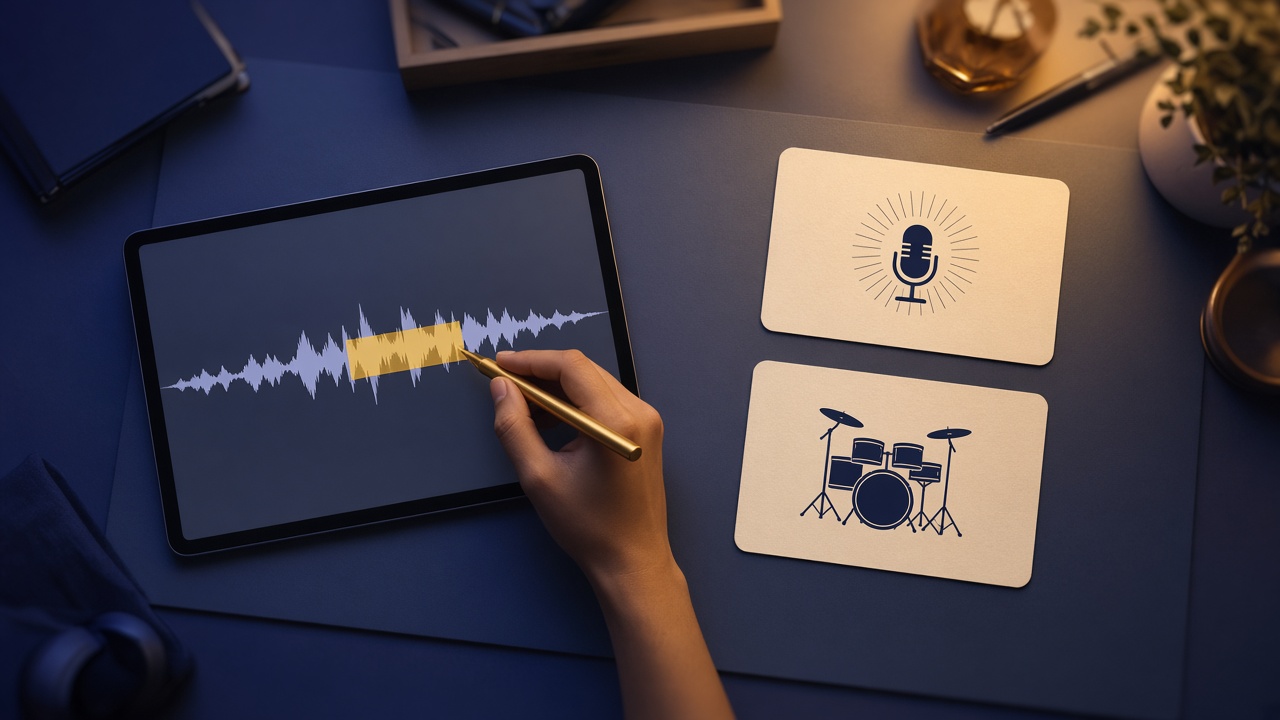
- Sample: drag the waveform around the part you want to keep. The release note does not lock a duration—select the hook, not the whole song
- Listen in the app before you spend a download
The menu may say Mashup or Use as Sample; both names hit the same door. Flagship v6 and v6-wild are paid. Free drafts start on v6-mini. Upgrade rules: Free vs Pro.
v6 in one sentence: whose vocal, whose drums
On September 9, 2026, v6 folded the same job into plain language, so you do not have to memorize the menu. Suno’s mashup example: take the vocals from x, the drums from y, add new lyrics, make it 80s synthwave. The sample example: sample the riff at 0:45, isolate the guitar, build a beat around it. You still choose first—two roles, or one fragment.
- Collision line: vocals from A, drums and bass from B, new lyrics with the brand name, style locked to the scene
- Clip line: name the timestamp and the instrument to isolate, then say what the new song is for
- Do not demand a full collision and a two-second clip in the same sentence—the sources fight
- Images and video can ride along, but drafts should attach less media; credits cost more than text
Scene music: hooks, stingers, shop loops
On suno.skin the question is the deliverable, then the tool. The usual short-form waste is dropping two full songs into Mashup when you only liked one chorus.
- The short-form hook already works: Sample that line, then write length and hit points. Finishing still follows the short-form BGM guide
- A brand stinger needs “this vocal plus those drums”: Mashup, or write the split in one v6 sentence
- A shop loop has to survive tomorrow: grow a new track from one clean bed, not a collision of two distant songs
- The chorus drifts or one lyric is wrong: go back to a section edit and do not start over
Two lines you can edit. Sample, for a shop loop: “Lift only the steadiest loop in this instrumental bed. Do not collide a second song. Soft jazz, 95 BPM, loopable, no vocals.” Mashup, for a brand stinger: “Vocal color from song A’s chorus, drums from song B, new lyrics are only the brand name, about 15 seconds, not a full pop form.” The seven-element text prompt still owns style and structure—see the prompt guide. Mashup and Sample answer where the material comes from. They do not replace the style line.
Menu names and model access follow Suno’s notes. This site is an independent guide, not Suno, Inc.
Read the Sample and Mashup noteListen to the line you already like. If the hook is enough, sample it. If the vocal and the drums are not on the same song, mash them.
Try a song
Suno AI Team
AI Music Editor · Suno AI & Text-to-Music
Our editorial team tests Suno AI daily, covering product updates, prompt techniques, and real-world music creation workflows.
Related Articles


Ready to start your AI music creation journey?
🚀 Start Creating Now