
In this topic: Browse all Getting Started articles
AI Music TutorialsSuno Speech Beta: Spoken Voice and Music in One Take
Suno Speech is the Suno AI public beta that opened on 1 October 2026: it generates spoken voice and original underscore as one cohesive track—not a TTS export you later glue to BGM. You find it under Create → Speech. This guide covers entry, Simple vs Advanced, which jobs fit, and which beta quirks to budget for before you ship.
Facts follow Suno’s Introducing Speech (beta) post and release notes. Labels may shift. suno.skin is an independent explainer, not Suno, Inc. If you need instrumental beds under a human host, use the podcast intro guide—that is a different workflow.
What Suno Speech is for
The old path is two stages: text-to-speech on one lane, then find or generate a bed and duck levels in an editor. Speech beta folds “what is said” and “what the room feels like” into one generation so pacing and mood form together. Official flavor examples include bedtime stories over soft piano, hype speeches over stadium drums, ASMR grocery lists, and dramatic readings of ordinary texts.
- Good fit: poetry reads, guided meditation, kids’ bedtime stories, short-form VO with a bed, event openers
- Poor fit: a full pop song with a sung chorus—that stays in song Create, not Speech
- Clean narration only: toggle background music off and keep the voice lane
- Length: public coverage often cites about eight minutes per take; split longer scripts
Entry: pick Speech inside Create
Available on web, iOS, and Android. Open Create, choose Speech beside regular song generation. Write what should be said—or the scene you want—then describe voice and musical style. The beta is open to everyone; Suno stresses that beta means beta and will keep iterating on feedback.
- Open Create and switch to Speech
- Simple: describe the scene in plain language (e.g. “a pirate captain rallying the crew before a storm”)
- Advanced: paste a finished script, then set voice gender, delivery style, and generation variety
- Toggle music off when you need a dry voiceover
- Audit the full take: accent drift, over-dramatic pauses, music masking speech
- Run two or three versions before you spend a download
Simple vs Advanced: pick the mode
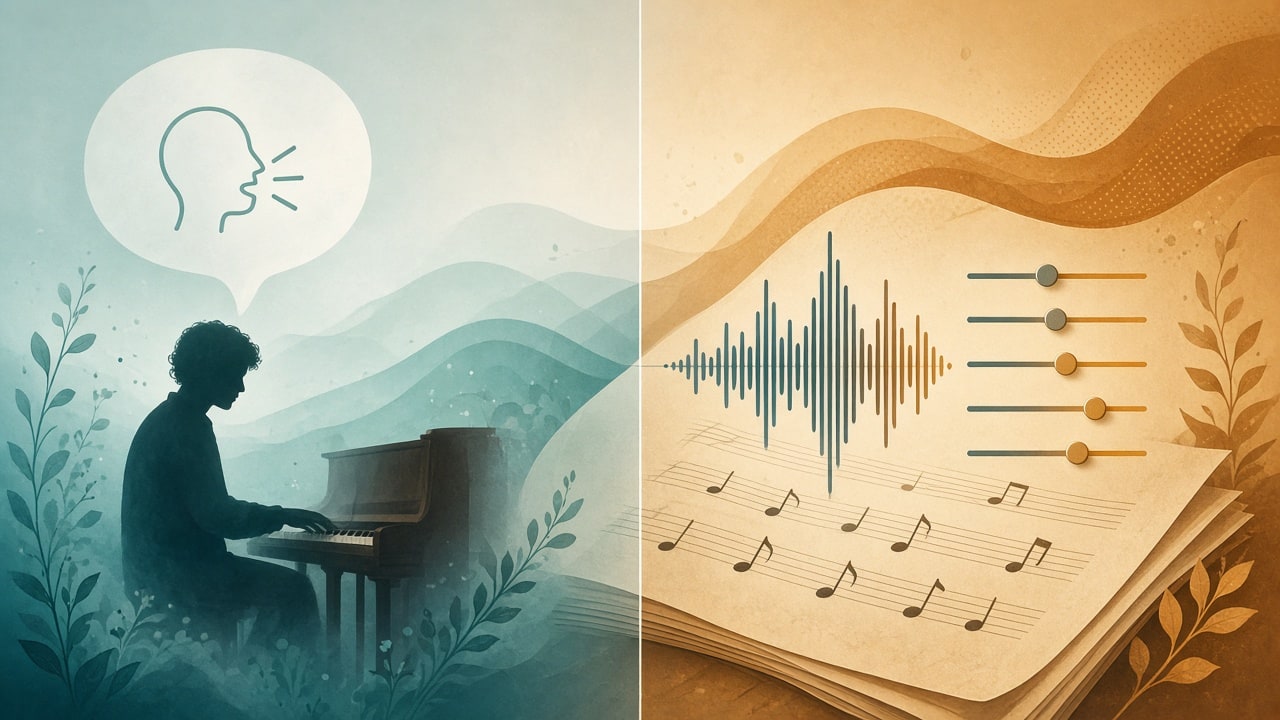
Simple is for scouting feel when the script is not locked—you want to hear “warm soft voice + night-light piano” before you commit words. Advanced is for locked copy: brand reads, meditation scripts, show openers—when wording cannot drift, put it in the script box and tighten voice controls.
- Simple: one-line brief; the model invents phrasing and underscore
- Advanced: custom script plus gender / style / variety; wording stays yours
- Mute music: use it when you only need the voice lane
- Change one variable per pass: lock copy, then voice, then bed density
Paste-ready scene prompts
Four starters you can rename. For sleep and meditation aesthetics you can still borrow bed taste from the meditation & sleep guide, but here Speech speaks the words in the same take.
- Bedtime story (Simple): gentle low storyteller; a lost fox finds home in the forest; soft piano and very light strings; slow pulse; no sudden drums
- Guided meditation (Advanced script): short second-person breath cues; calm, slightly slow voice; music cue soft underscore, space for guided voice, no sudden drops
- Short-form VO (Advanced): lock the brand name in the first two lines; keep music low and clear of speech bands; decide later whether to mute music and cut dry VO
- Hype opener (Simple): stadium drums and stacked energy, firm not shouting; test inside 60–90 seconds first
Beta expectations: accent drift and big pauses
Suno’s own caveat: a British accent can wander toward Australian and back; dramatic pauses may be very dramatic. That is beta behavior, not a failed prompt. Mitigations: regenerate the same script a few times; put critical proper nouns at the start or end of short sentences; listen to the full take before commercial use—not just the first fifteen seconds.
- Unstable accent: shorten sentences, lower variety, or retune gender/style controls
- Pauses too long: cut ellipses and stacked dashes that force suspense
- Music over speech: mute and rerun, or write music under speech / sparse underscore
- Need a sung chorus: leave Speech; use song Create and the v6 models guide
Speech vs song mode vs host-plus-bed
Keep three lanes clear. Speech: the model speaks, with optional same-track underscore. Song Create: melody and sung lyrics. Separate host + bed: you record (or hire) the voice and pad with a podcast intro or short-form BGM—voice and music stay editable apart. Plans and quotas still follow Free vs Pro.
Feature scope follows Suno’s official posts. This site is an independent explainer, not legal advice or official docs.
Read the official Speech announcementTry Suno Speech with a 60-second script first—audit accent and pauses before you mute or keep the bed.
Try Speech
Suno AI Team
AI Music Editor · Suno AI & Text-to-Music
Our editorial team tests Suno AI daily, covering product updates, prompt techniques, and real-world music creation workflows.
Related Articles


Ready to start your AI music creation journey?
🚀 Start Creating Now