
In this topic: Browse all Getting Started articles
AI Music TutorialsSuno MCP Guide: Make Songs in Claude or ChatGPT
Suno MCP is the Suno AI public beta that opened on 28 October 2026: it connects your Suno account to MCP-ready assistants such as Claude, ChatGPT, Cursor, and Gemini so you can create, extend, or cover songs inside the chat you are already in—without pasting prompts back into the website. This guide covers what it solves, how to connect, how credits and your library work, and how it differs from the official developer API.
Facts follow Suno’s Suno MCP (beta) release note, the MCP setup page, and the Suno MCP FAQ. Labels may shift. suno.skin is an independent explainer, not Suno, Inc. If you need server-side product integration, see the official API early-access note—that is a different path.
What problem Suno MCP solves
The usual loop is: draft lyrics and style in ChatGPT or Claude, then paste into Suno Create. Suno MCP uses the Model Context Protocol to attach those assistants to your account so they can ship a generation with the lyrics, storyboard, or video plan you already discussed. Officially: no API key, one sign-in approval; every song lands in your Suno library; generations spend credits on your current plan—the same pool as making songs on suno.com.
- Fit: lyrics or briefs already locked in an assistant; fewer copy-paste trips; 2–3 variations without leaving chat
- Fit: turn a voice memo or short loop into a full track; Cover / Extend / Mashup songs already in your library
- Poor fit: unattended backend batch jobs—MCP is a signed-in, human-in-the-loop connector, not a service API key
- Plans: FAQ says Free works too; songs still spend credits from your active plan
Connect Claude, ChatGPT, Cursor, and Gemini
Every client uses the same URL: `https://api.suno.com/mcp`. Beta access may require Suno’s early-access signup; authorization can fail until you are approved. Some assistants only allow custom connectors on their own paid tiers—check each product’s settings.
- Claude: Customize → Connectors → + → Add custom connector; name it Suno, paste the URL → Connect and sign in
- ChatGPT: Plugins → Add → Add custom MCP server; set Connection (Server URL) to the same address → Create, then Connect and authorize
- Gemini: Customize → Connectors → + to add; in chat, mention @Suno
- Claude Code: run `claude mcp add --transport http suno https://api.suno.com/mcp`, then `/mcp` inside a session to sign in
- Cursor: Customize → MCPs → New MCP Server (User) and save `{"mcpServers":{"suno":{"url":"https://api.suno.com/mcp"}}}` in mcp.json
What you can do in chat: create, upload, remix
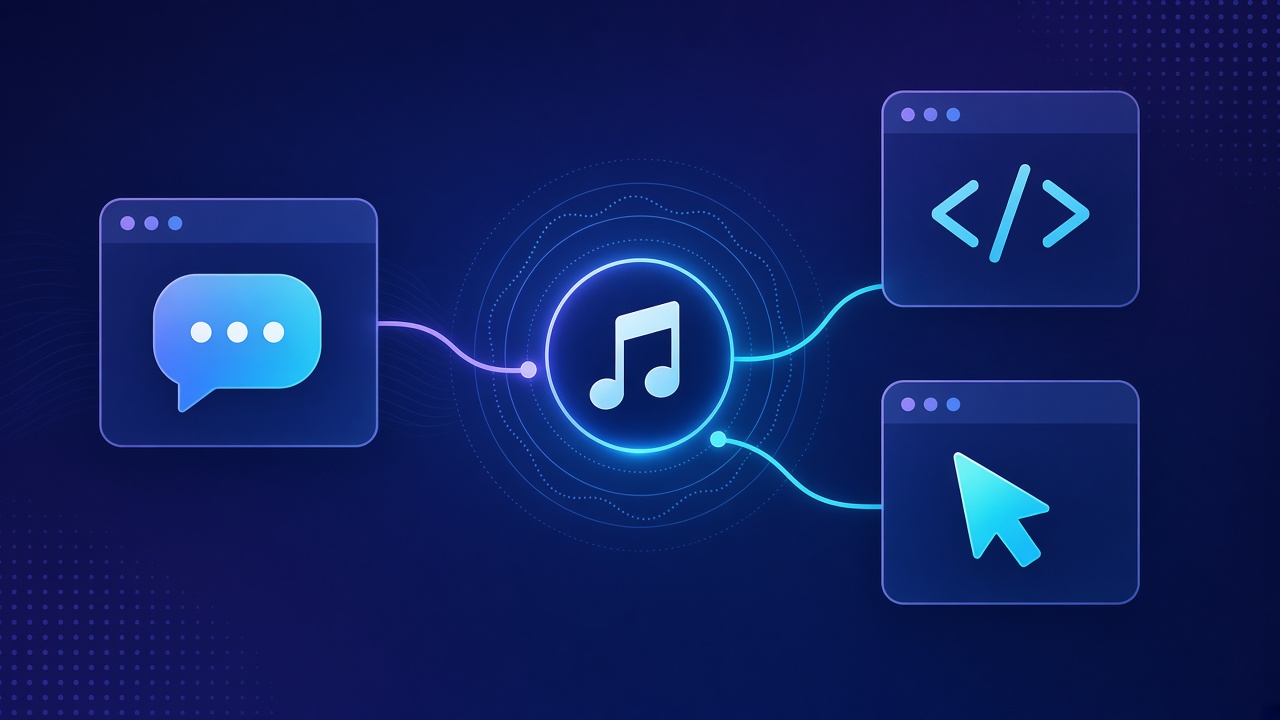
Official capabilities fall into four buckets. Create conversationally: describe the track; your AI fills lyrics and style; Suno renders. Upload audio: expand a voice memo or bite into a full song. Remix: Cover, Extend, or Mashup library tracks from chat. Voices: apply your Suno Voices on MCP-made tracks. You can also ask the assistant how many credits you have left.
- Remix: Take my last song in Suno and make a slowed-down acoustic cover.
- Memo → song: Turn this voice memo into a full indie-folk track. Keep my melody.
- Variations: Make a lo-fi beat for studying, then give me three variations with different moods.
- Follow-ups: Make it slower / Add a bridge / Give me three more—each take spends more credits
Credits, library, and authorization boundaries
Billing mirrors the web app: MCP generations pull from the same credits pool; every client linked to one account shares that pool, so “give me three more” burns fast. Finished songs land in your library and can be added to a playlist from chat. Setup is sign-in OAuth, not an API key; scopes are whatever Suno shows on the consent screen. Commercial use and downloads still follow your plan—see Free vs Pro and the download limits guide.
- Lock lyrics and style in chat before you order a generation to save credits
- Hear the direction before “three more versions” on the same brief
- Missing connector: confirm the assistant supports custom MCP and that the URL has no typos
- Won’t connect: confirm early access approval and finish the Suno sign-in flow
MCP vs official API vs Create on the web
Keep three lanes separate. Suno MCP: human-in-chat creation, no code, personal credits. Official developer API: product/backend integration—see official API early access, not this connector. Web / App Create: full model picker, Studio, Speech, and other UI still live in Suno’s clients; MCP only removes the tab-switch for the chat you are already in. Sound quality still depends on the Suno models your account can use—pair with the v6 models guide when you choose a tier.
Feature scope, early access, and permissions follow Suno’s MCP page and FAQ. This site is an independent explainer, not legal advice or official docs.
Open Suno MCP setupConnect Suno MCP, run one locked lyric brief in Claude or ChatGPT, then decide whether multi-version follow-ups are worth the credits.
Try Suno music
Suno AI Team
AI Music Editor · Suno AI & Text-to-Music
Our editorial team tests Suno AI daily, covering product updates, prompt techniques, and real-world music creation workflows.
Related Articles


Ready to start your AI music creation journey?
🚀 Start Creating Now